
1. Fly through the scene
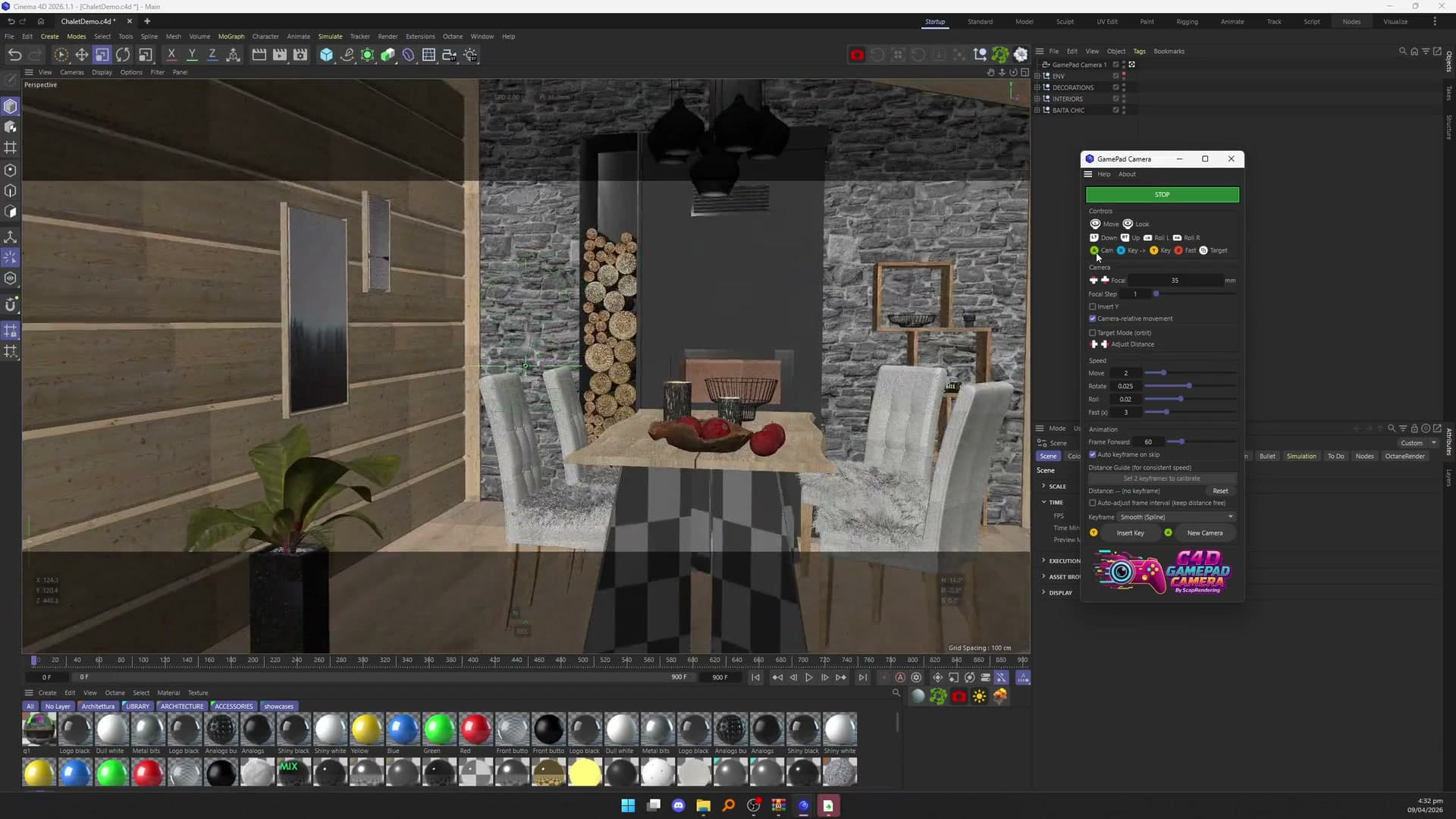
Open the panel from Extensions > Machina Infinitum and plug in your controller. The left stick moves, the right stick looks around and the triggers go down and up. B switches to fast mode for big scenes.
Cinema 4D plugin to fly and record camera moves with a gamepad
Overview
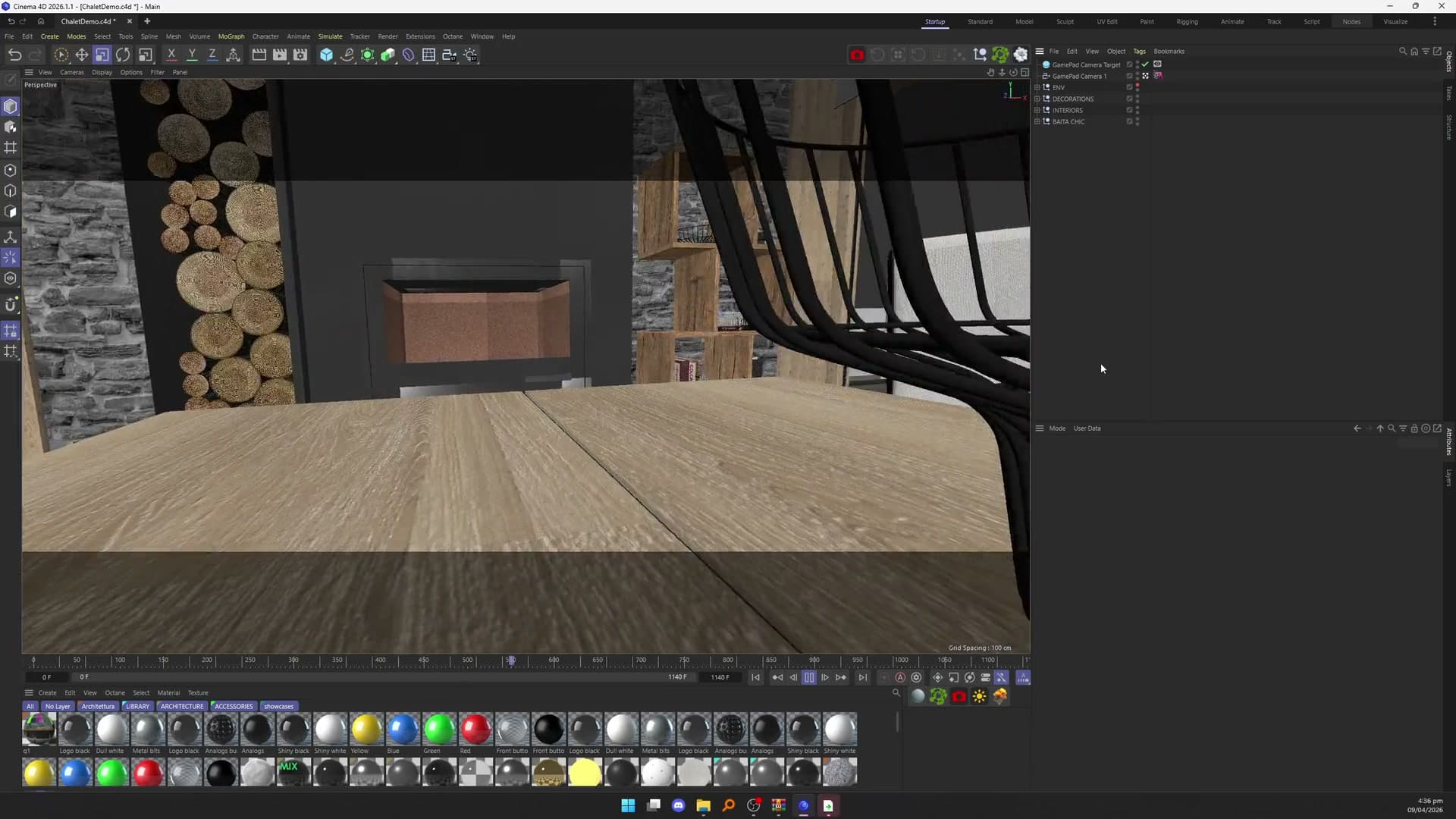
GamePad Camera turns an Xbox-style controller into a camera rig for Cinema 4D. The sticks move and look around, the triggers go down and up, and the bumpers roll. If you have played a first-person game, you already know how to use it.
Press A to create a camera, fly to a spot and set keyframes as you go. A whole fly-through can be blocked out in minutes without touching the mouse, then refined in the timeline as usual.
Workflow
Three steps, each shown in a short moment of our tutorial, without sound. The video with sound is further down the page.
Open the panel from Extensions > Machina Infinitum and plug in your controller. The left stick moves, the right stick looks around and the triggers go down and up. B switches to fast mode for big scenes.
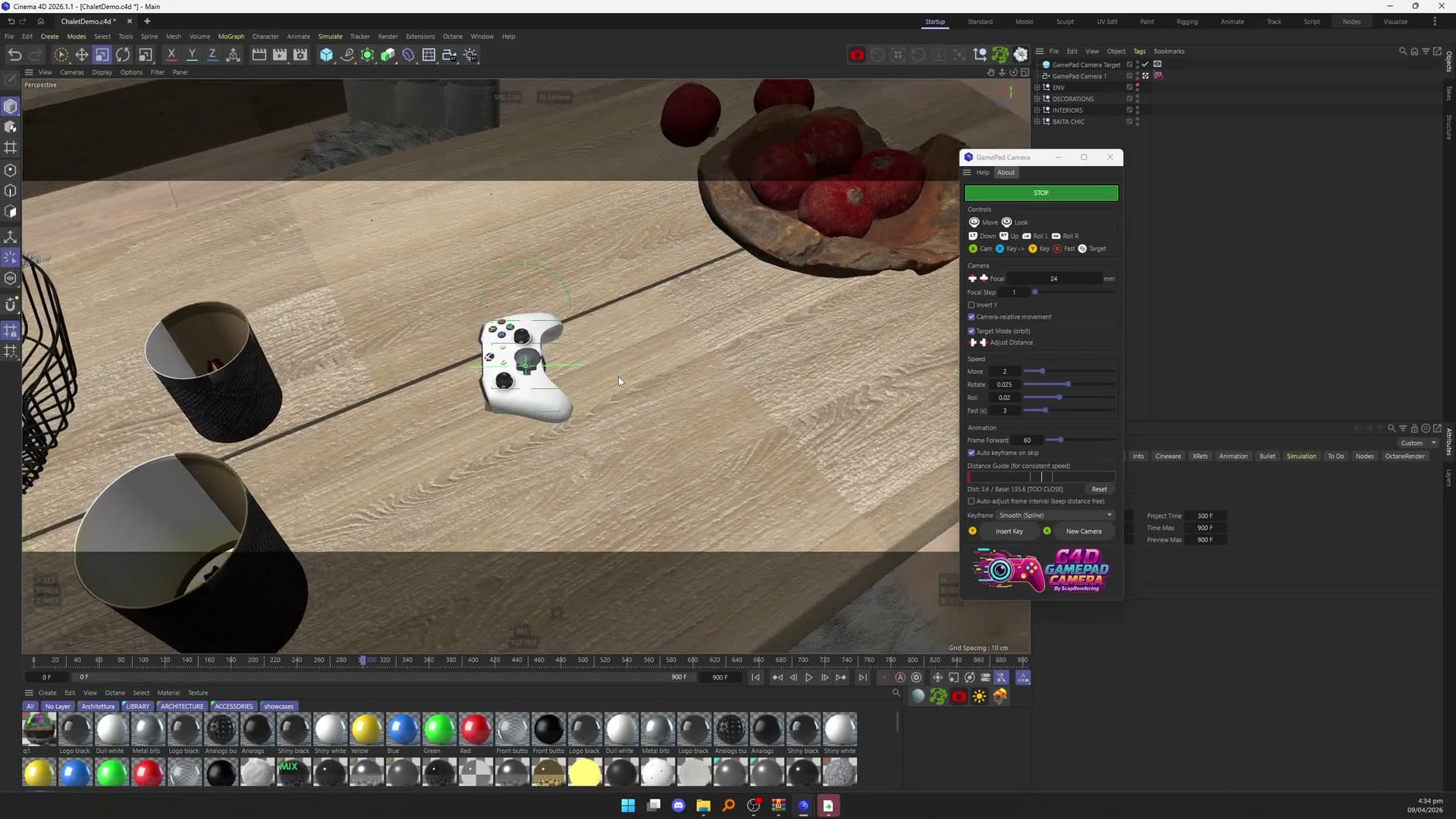
Press A for a new camera. Y sets a keyframe where you are, and X sets one and jumps ahead, 60 frames by default. The Distance Guide bar shows how far you have moved since the last keyframe, so the speed stays even.
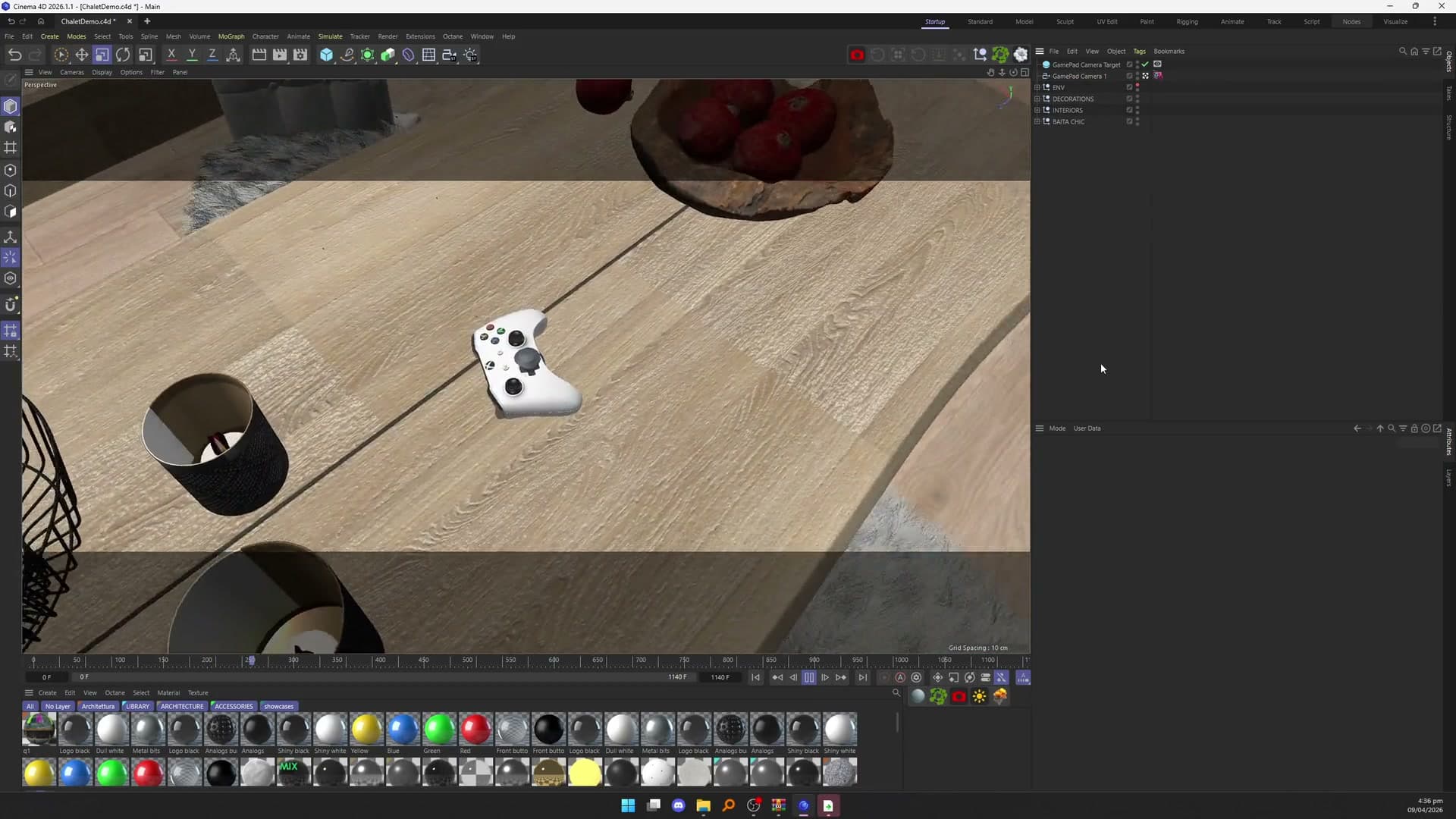
Press play and the camera follows the path you flew. The keyframes are ordinary Cinema 4D keyframes, so the move renders like any other animation.
Target Mode
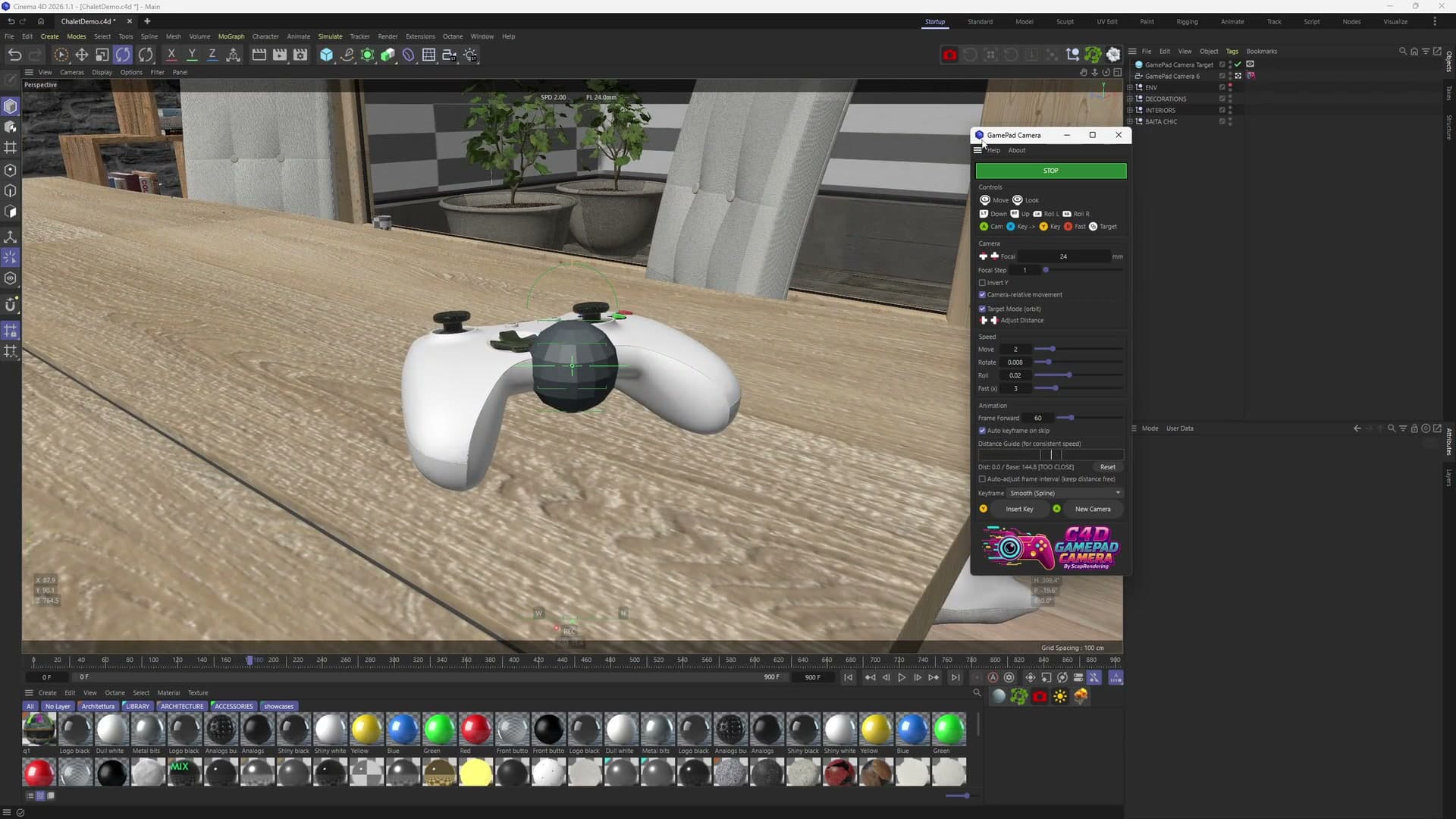
Target Mode places a sphere in front of the camera as a pivot, and the camera circles around it without crashing into it, for product shots or for orbiting anything in your scene. The View (Back) button turns it on and off, and the D-pad moves the target closer or further.
The GamePad Target tag (Tags menu, Expression category) links a camera to its target. Target Mode is in beta.
Target Mode
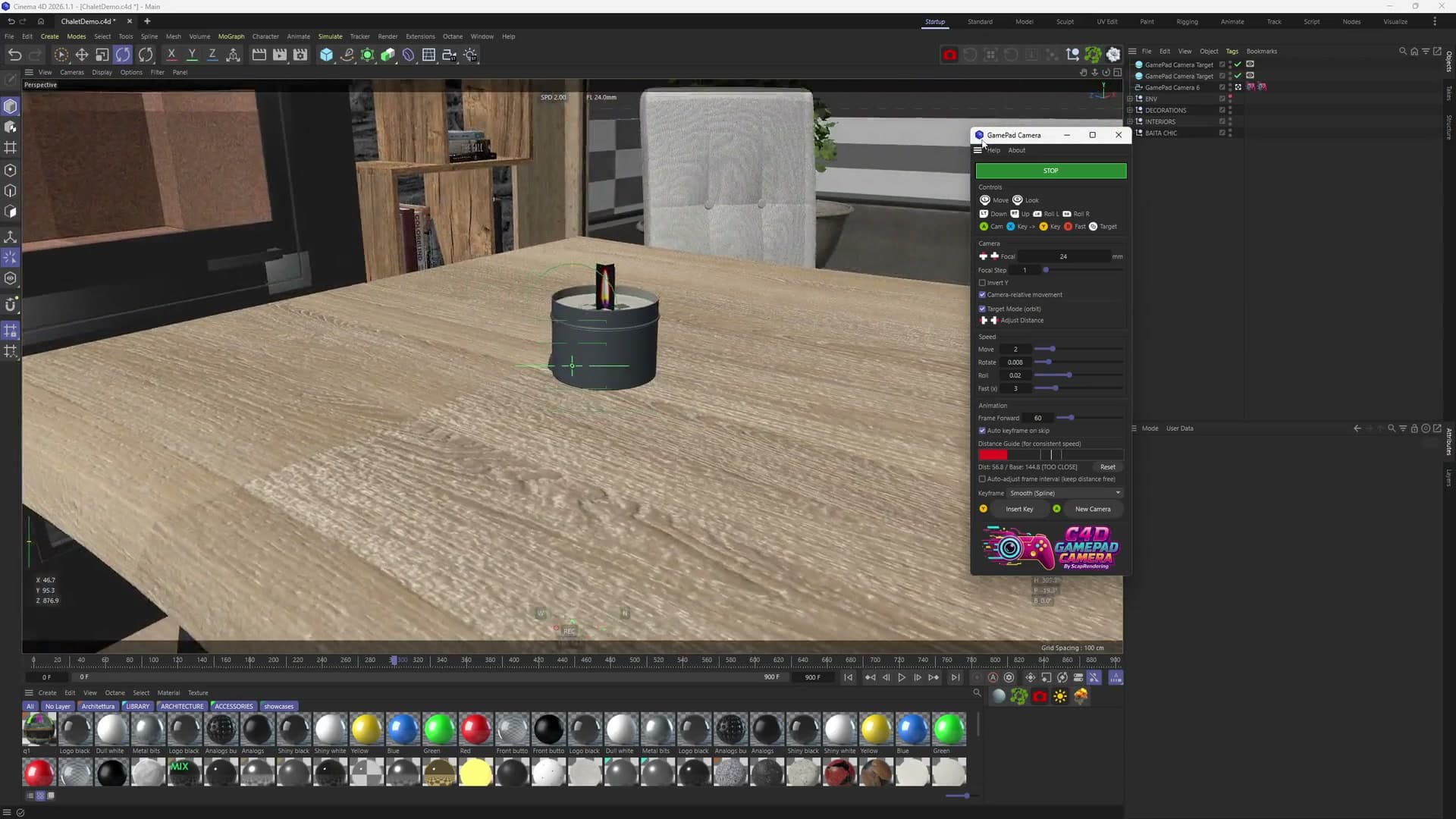
A scene can have several targets, and the camera can switch smoothly from one to the next during a move. In the clip it circles the controller on the table, then moves on to the lantern at the other end.
Keyframes
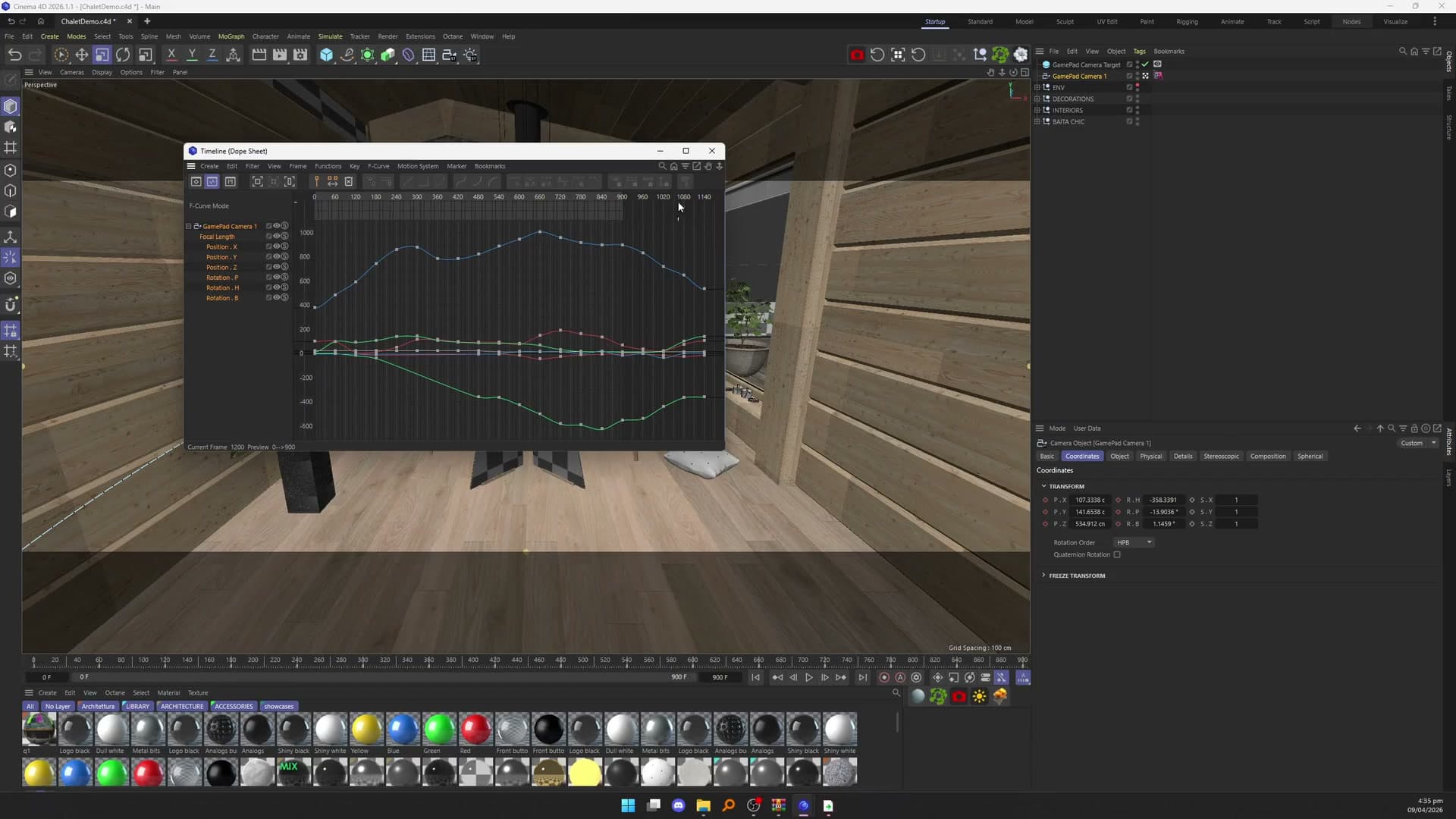
Every keyframe the plugin sets is an ordinary Cinema 4D keyframe, Smooth (spline) or Linear, so you can fine-tune the move in the timeline afterwards like any other animation.
Controls
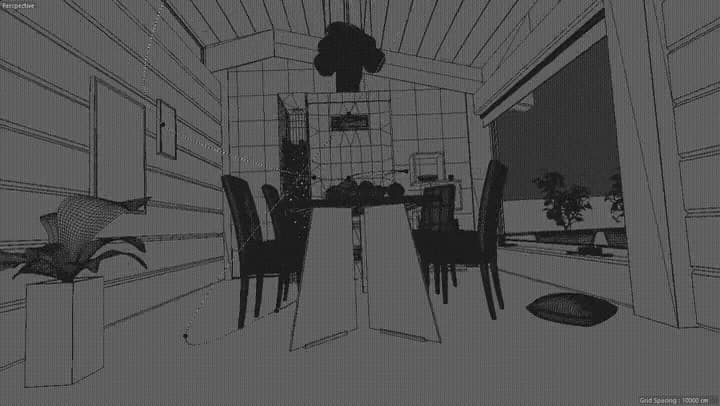
A camera move flown with the controller, seen in the viewport's wireframe view.
Video
Plugging in a controller, flying through a scene, setting keyframes and circling targets, with sound.
Requirements
Copy the folder for your Cinema 4D version into the Cinema 4D plugins folder, restart Cinema 4D and open GamePad Camera from Extensions > Machina Infinitum. The plugin uses Windows XInput, so if a controller works in PC games as an Xbox controller, it works here.
Questions or a feature to suggest? Write to us.
The chalet interior is based on an original scene by Fabio Ciliberti.
Cinema 4D · Plugin
Camera fly-throughs flown with a game controller and keyframed as you go, without touching the mouse.
Machina Infinitum is a studio of developers and artists. We build 3D tools and plugins for Unreal Engine 5, Octane Render, Cinema 4D and Blender, and use them to create music videos, films and VJ loops.
Keep exploring
 Gumroad
Cinema 4D
Animate anything to music
up to 8 probes per song · WAV, MP3 and FLAC
 Gumroad
Cinema 4D
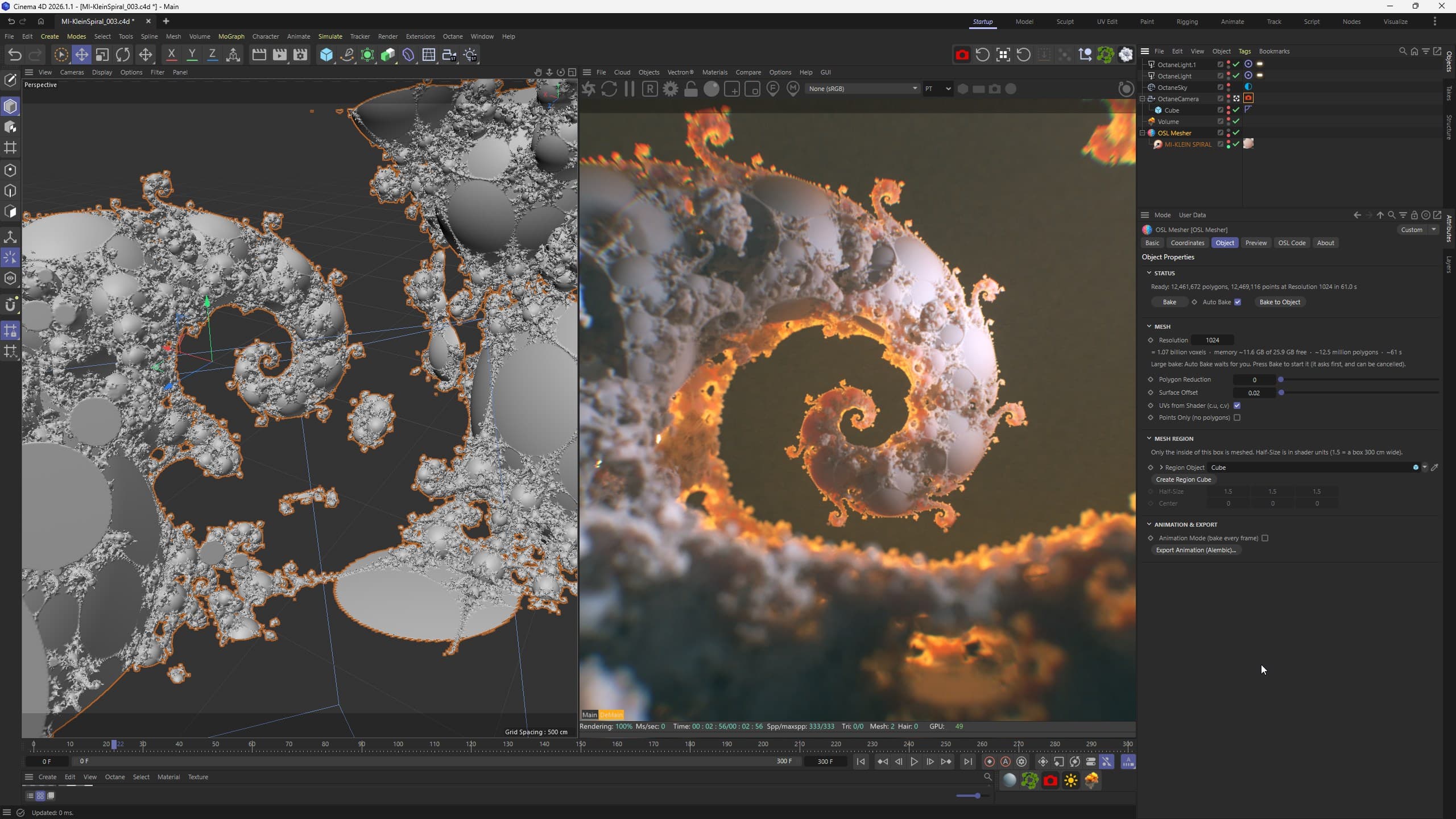
SDF shaders to optimized meshes
SDF shaders in OSL · Octane Vectron compatible
 Gumroad
Octane · Cinema 4D
Presets + 2 h of tutorials
50 presets · 5 + 3 formulas · 2 h tutorialsNeeds Octane Render
Statistics cookies
May we use Google Analytics to count visits and see which pages help people find our tools? Its cookies are set only if you accept, and nothing is used for advertising. Privacy policy